 Lambo DV Entry Assist
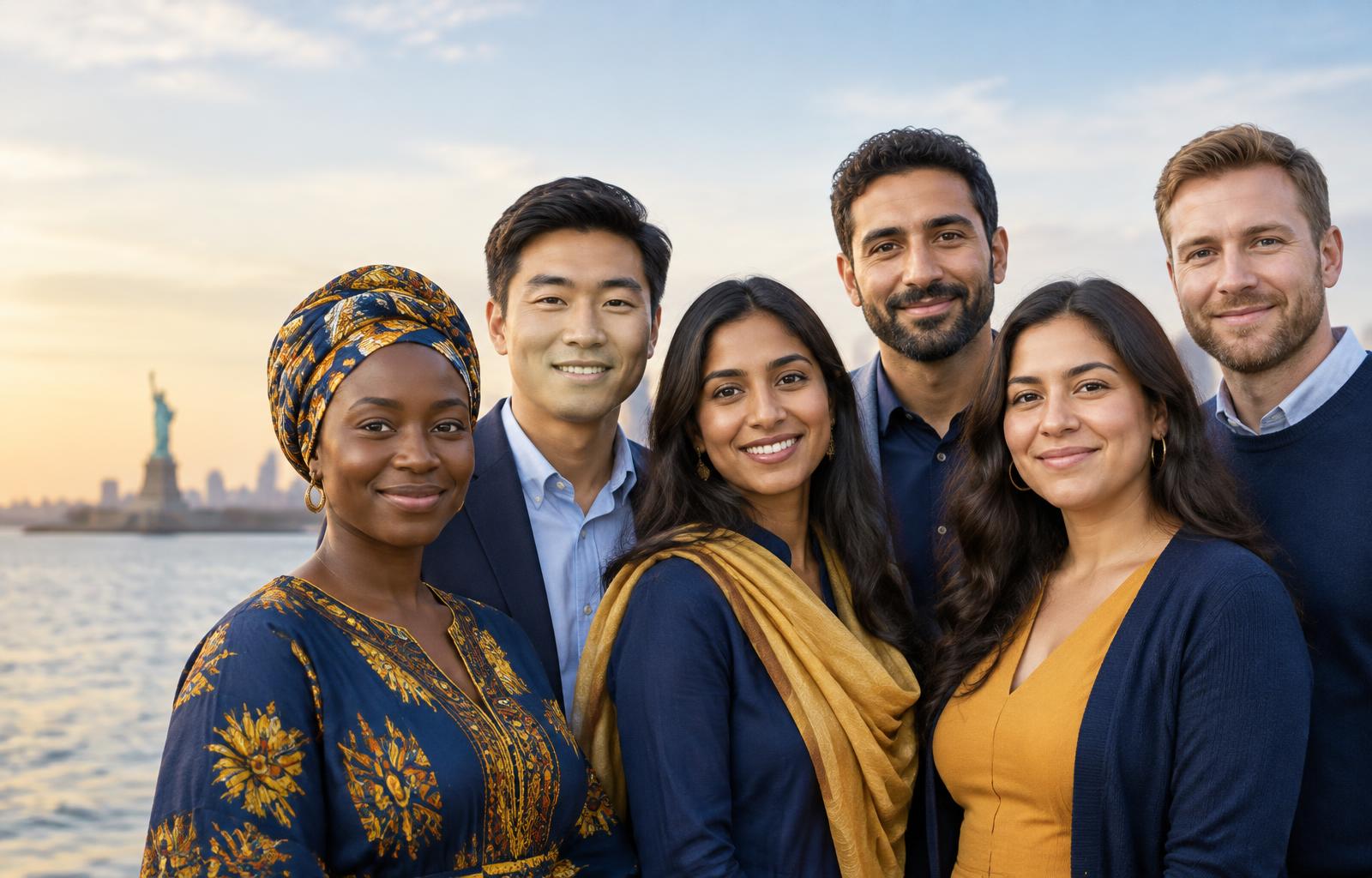
Prepare your Diversity Visa entry, calmly and correctly.
Fill in your details step by step, make a compliant photo with your phone, and our agents prepare your entry with you. Your confirmation number is always sent to your own email.
We are a private assistance service, not the U.S. government. Official entries can only be submitted at dvprogram.state.gov, where the official $1 registration fee is paid.
You are there when we prepare your entry. You take part in every step, just as the U.S. government advises.
Your confirmation number is sent to your own email, and you can always see it on your My status page.
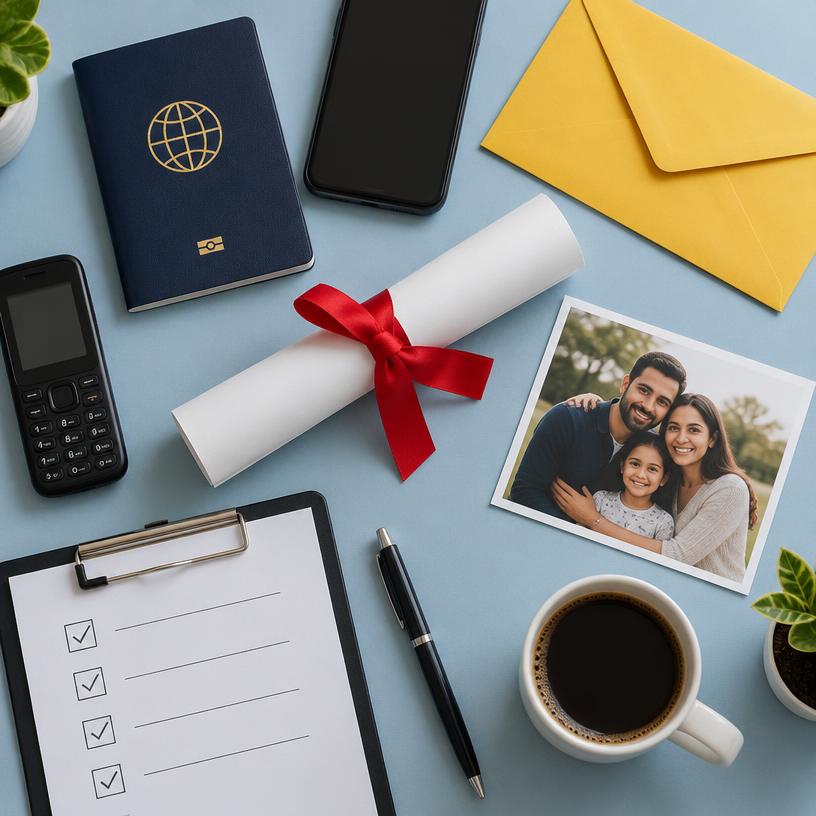
Before you start, have these ready
Gathering these first makes the application quick and easy.
- Your passport (valid, not expired) — you will add its number, dates and a clear photo of the page with your picture
- Your full name, date of birth, and city and country of birth, exactly as in your passport
- A recent photo of your face (from the last 6 months) or a phone to take one — no glasses, plain background
- Your own email address that you can open — your confirmation number is sent there
- Your mailing address and the country where you live now
- Your highest school level or diploma
- If married: your spouse's name, date and place of birth, and a recent photo of them
- For each unmarried child under 21: name, date and place of birth, and a recent photo
- A mobile money account (MTN MoMo or Orange Money) to pay the fee
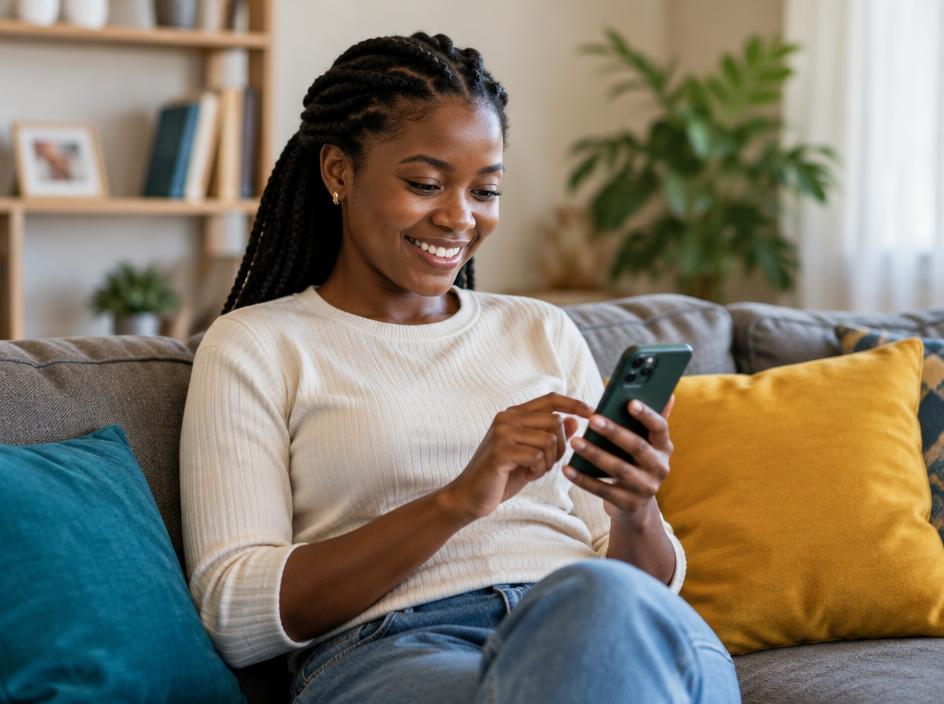
Fill in your details
Simple steps, saved as you go. Exactly as in your passport.

Make your photo
Take a selfie — we turn it into a 600×600 photo with a white background.
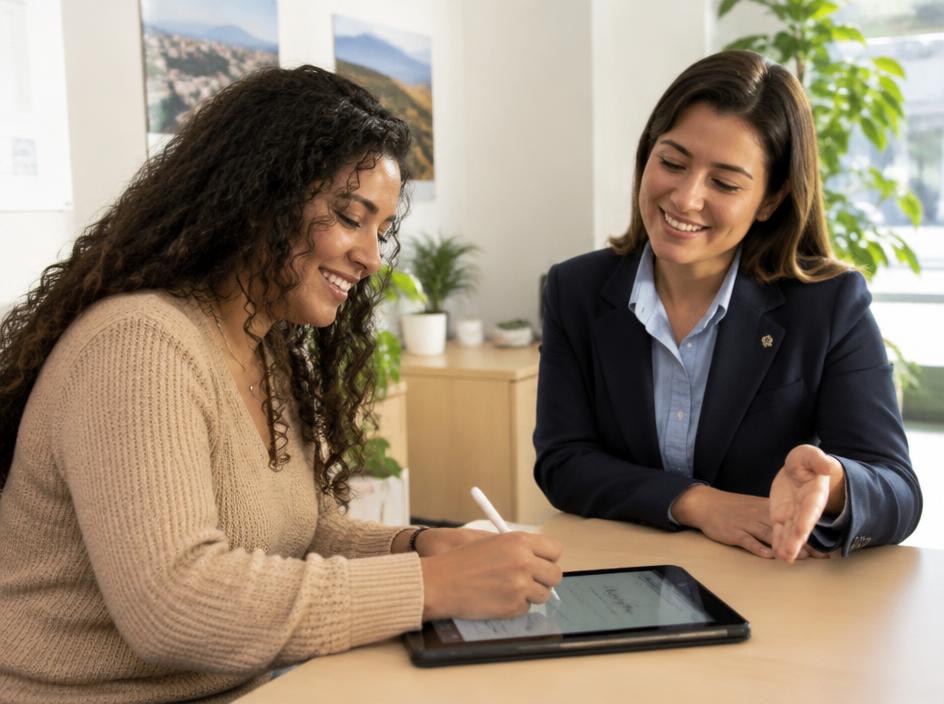
We prepare your entry
Our agents enter it on the official site with you.

Your receipt, your email
The confirmation number is sent to your own email address.
The State Department advises that you be present when your entry is prepared, keep your own confirmation number, and keep access to your own email.